Viewing dashboards
Browse and open the dashboards available to your organisation.
Browsing your dashboards
- Select Dashboards in the left menu.
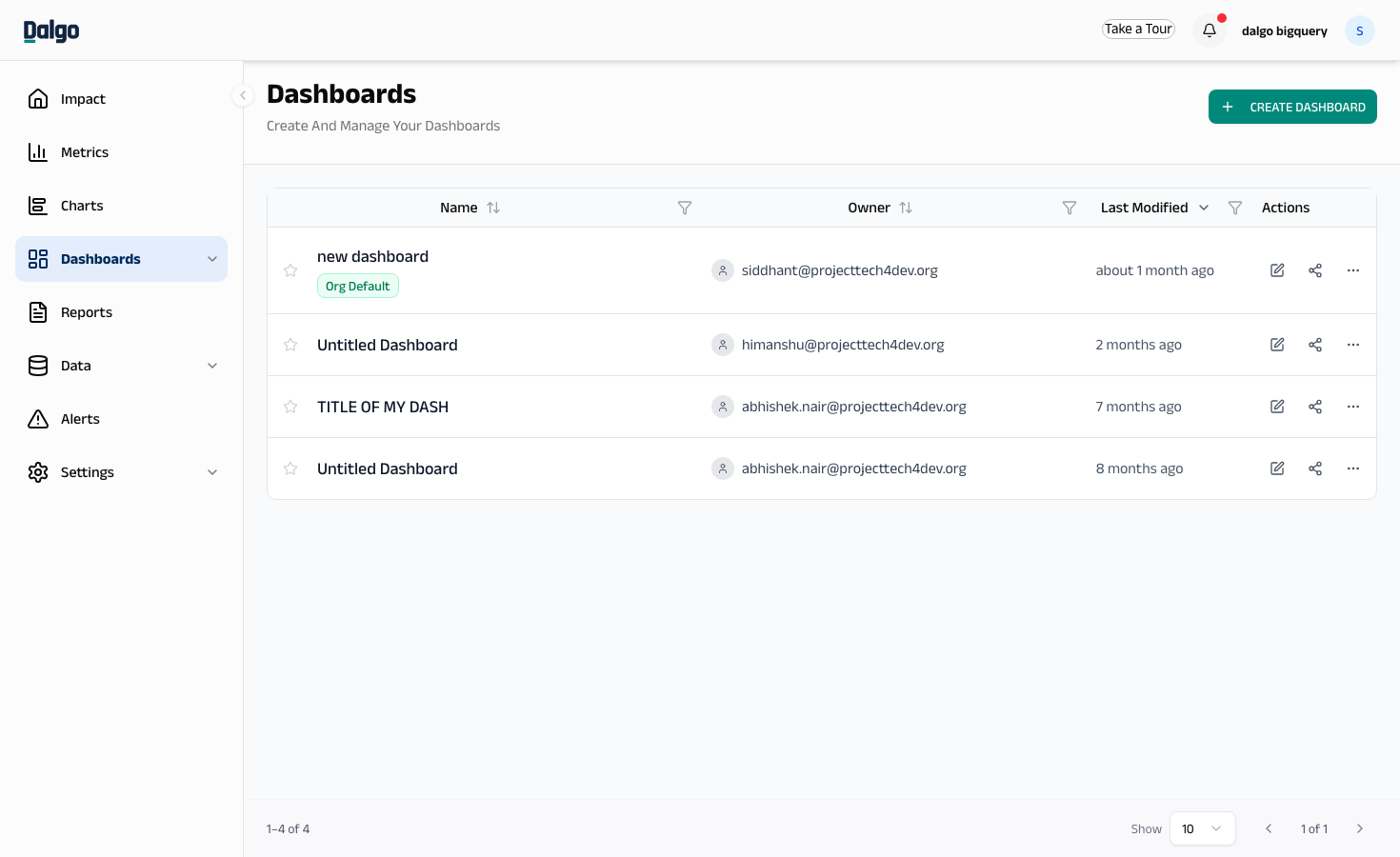
You'll see all dashboards in your organisation. Use the search bar to find a dashboard by name.
- Select a dashboard name to open it.
The dashboard displays all its charts using live data from your warehouse.
info
Dashboards always show your latest data. If you need a frozen snapshot for a specific date range, use Reports instead.
Next: Creating a dashboard · Superset Usage